

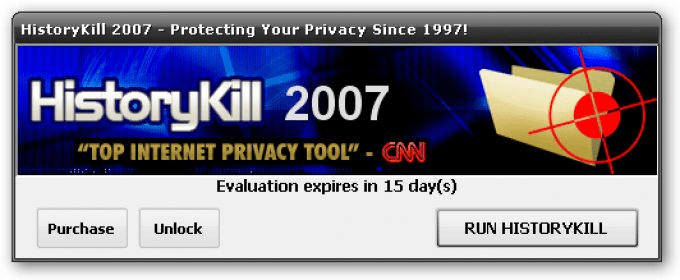
HistoryKill is a well-known tool to wipe out easily any traces left by the Internet Browsers installed in our computer. The first version was released in 1997, so we can expect that ten years later, the company has acquired some know-how on the subject.
With HistoryKill you can select a lot of options before executing the cleaning process.
At first sight the user interface is clean and well-organized. The tabs system helps to maintain the readability all over these options.
Mozilla Firefox, Internet Explorer, and AOL browsers are supported. But this is not just about Internet history: you can get rid of some MRU (Most Recently Used) file lists (like the one from Windows and Windows Media Player), you can empty the recycle bin, delete .chk files (from scandisk/checkdisk passes) and much more. And if all these features are not enough for you, you can try the auto-kill and the boss-key options.
The only remark I can do is the lack of some style into certain windows and controls (like the cookie manager), but anyway this is not a great drawback.





Comments (3)